
Choose a manageable subject
Select the clinical topics you want to revise and start a focused question set instead of planning a whole session from scratch.
FlyteX ? MRCEM SBA revision
Explore Emergency Medicine SBA questions by clinical topic. Build a regular revision routine with focused sessions, explanations and reference material to return to after a difficult answer.
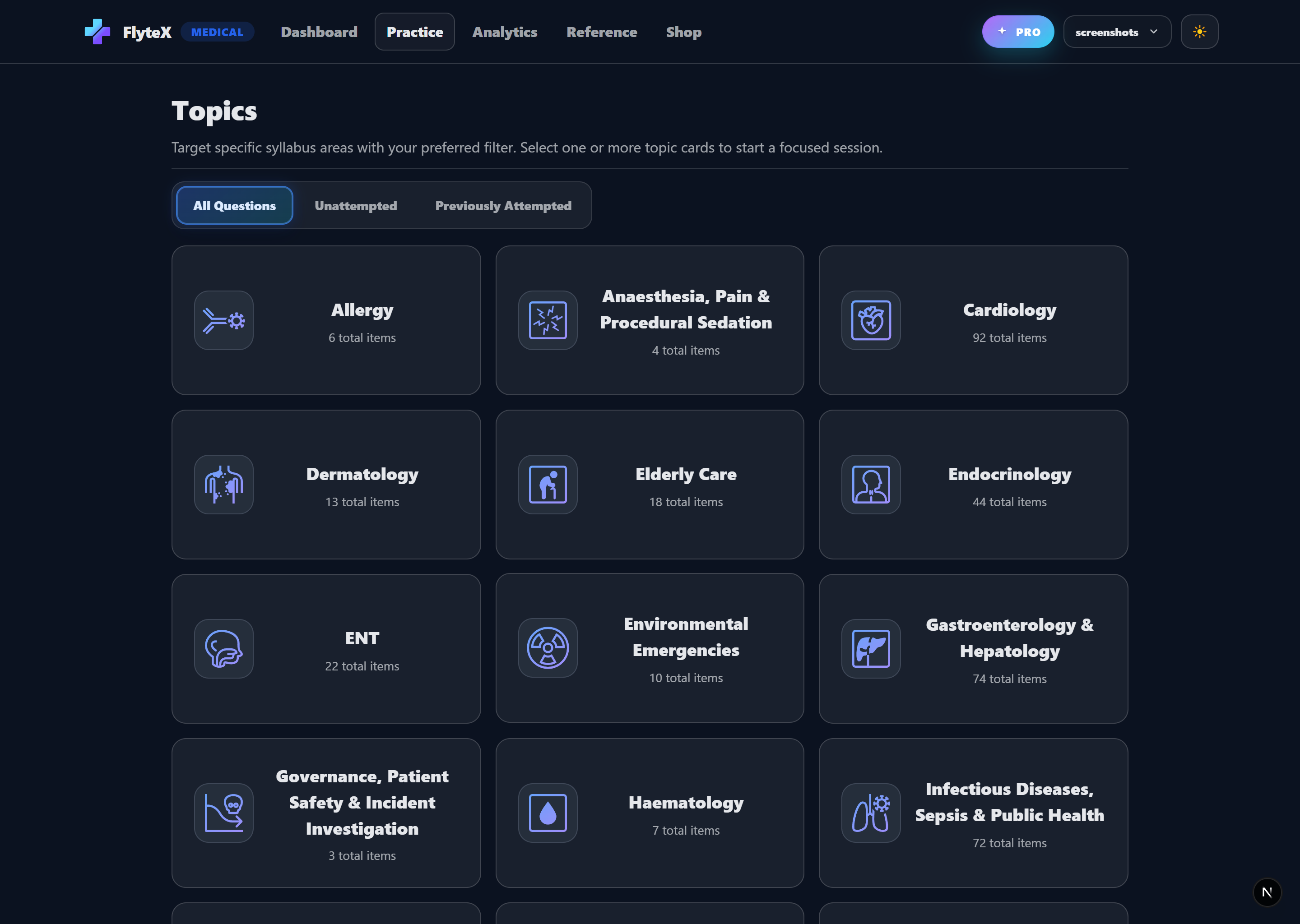
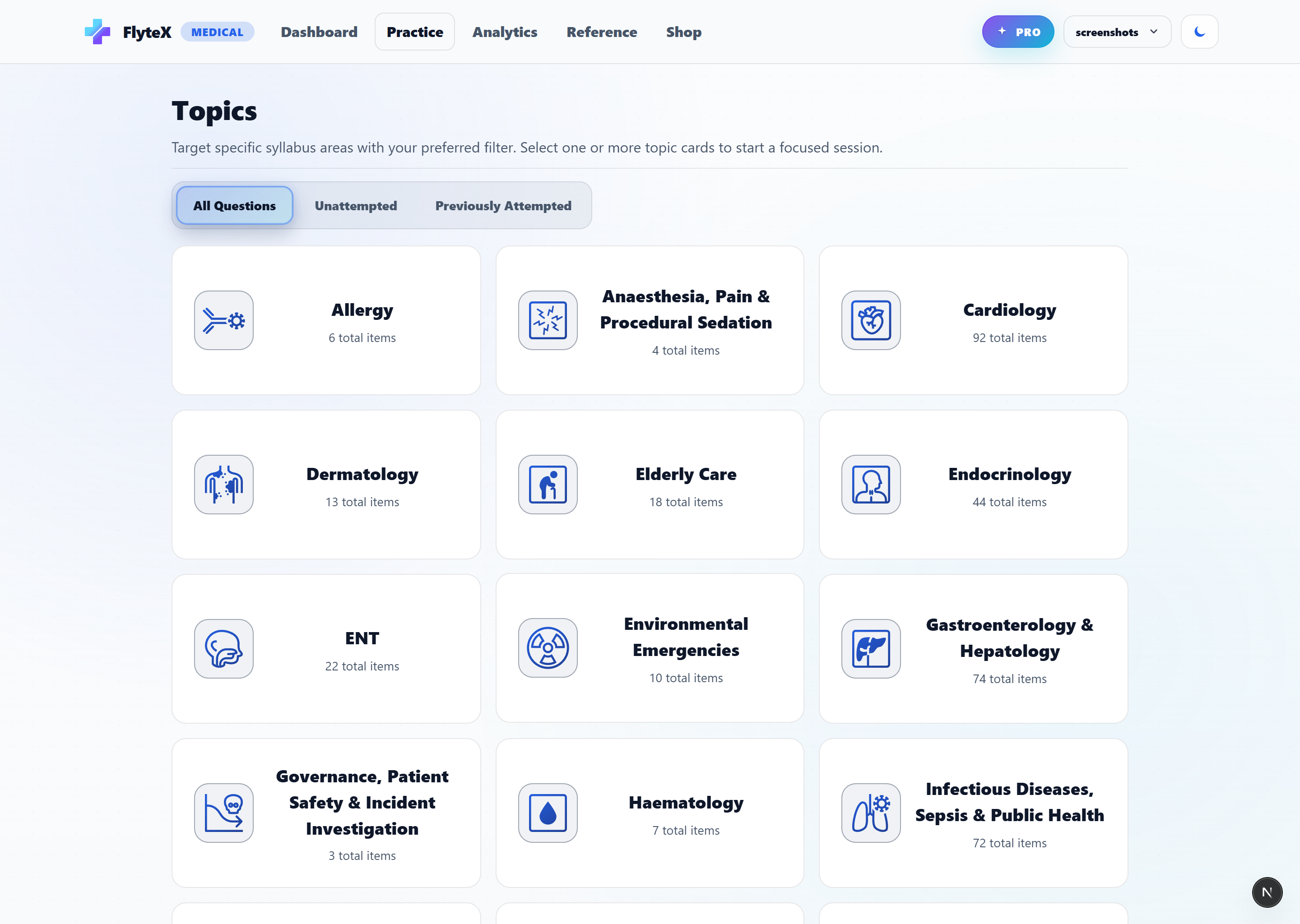
MRCEM revision can involve moving between very different clinical subjects. A topic-based question session gives you a defined piece of work: practise a subject, review the answers and decide what deserves a closer look.
FlyteX offers Emergency Medicine SBA practice, structured explanations and a clinical reference library. Explore the available material to assess its fit for your preparation, and use the exam-information guide to check the requirements of the examination you are taking.
Keep topic coverage, question practice and review connected as you work through Emergency Medicine.
Select the clinical topics you want to revise and start a focused question set instead of planning a whole session from scratch.
Read the explanation, compare the alternatives and use the reference library to revisit the underlying clinical topic.
Return to saved question sessions and use topic-level performance to help plan the next piece of revision.
A short session can still have a defined aim. Choose a manageable clinical subject, leave time for its explanations and use a saved session when you need to pause.
Start with the topic you intended to work on, such as a clinical area you found difficult in a previous question set. Topic selection helps keep the session focused.
Read the explanation while the question is still familiar. Open reference material when a concept needs more attention, and return to unfinished questions when you have more time.
Use your topic results and the questions you found difficult to choose the next session. Explore the available material to assess its fit for the examination you are preparing for.
Explore the screens below to see how practice, review and your next session connect. Select a screenshot for a closer look.
Select the Emergency Medicine topics you want to include in a question session.
Resume unfinished question practice and keep your revision organised.
Use a clinical reference article to revisit the concepts behind an answer.
Looking ahead to FRCEM OSCE preparation
The Academy shown here is designed for the FRCEM OSCE. For doctors planning that later stage of training, it adds a way to prepare clinical tasks and rehearse with colleagues alongside written revision. You can explore the sample material to understand the workflow before committing to a practice group.
Use Practice Studio to browse the available stations and narrow the list by clinical subject or station skill. Open a candidate brief to see what the rehearsal asks you to do.
Read a related lesson or framework beforehand. During the session, keep candidate and partner material on separate screens so each person can prepare the role they are playing.
After rehearsal, record the station, your role and a short reflection in My Academy. Use the journal before your next session to revisit the feedback and choose what to practise again.
Subject and skill filters help you find a station for a planned rehearsal. The screen shown here is from the FRCEM OSCE area of FlyteX.
My Academy brings study entries and practice roles together with your saved reflections. These are illustrative entries and example feedback, showing how a learner might use the journal.
Create an account to explore the available material and decide how FlyteX fits into your MRCEM preparation.